

Road trip planner
Road trip planner for multi-stop drives with friends
Lay out the route stop by stop, put every stop on the right day and keep the whole car on the same plan. TripsCircle shows each day on a map, opens directions in your maps app, and keeps gas, food and lodging split as you go.
- 17 curated drive routes to copy
- Stops ordered day by day
- Fuel and lodging split fairly
- Curated drive routes
- 17
- In the United States
- 7
- Route lengths
- 5–11 days
- Legs between stops
- 39
Plan the drive, not just the destination
A road trip is a chain of small decisions: where to stop for the night, which detour is worth it, who drives the long stretch and who books the motel. Spread across a chat thread and a notes app, those decisions get lost by day two.
In TripsCircle each stop belongs to a day, each day has its own map, and the booking details sit on the stop they belong to. Change the order and the whole crew sees the new plan, not an old screenshot of it.
Start fast
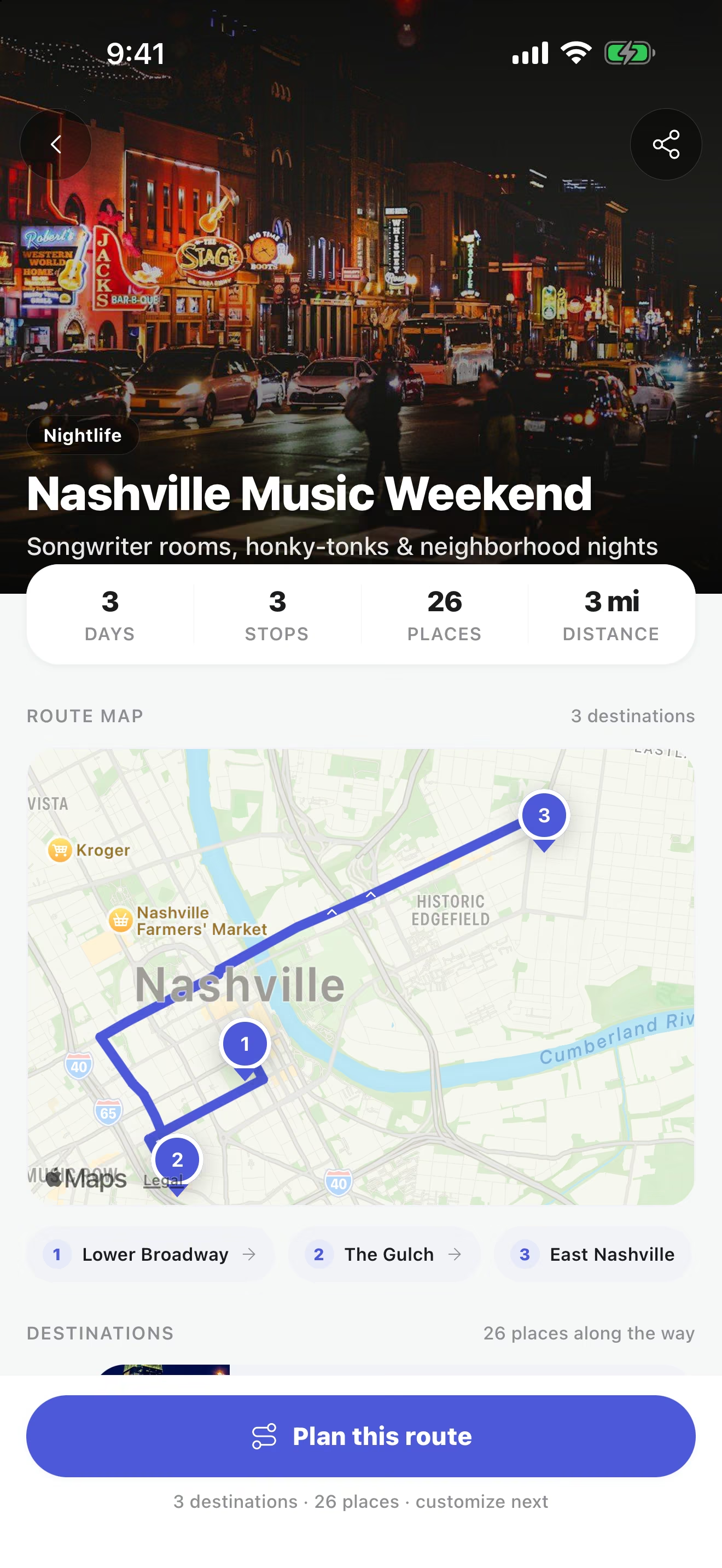
Copy a route that already works
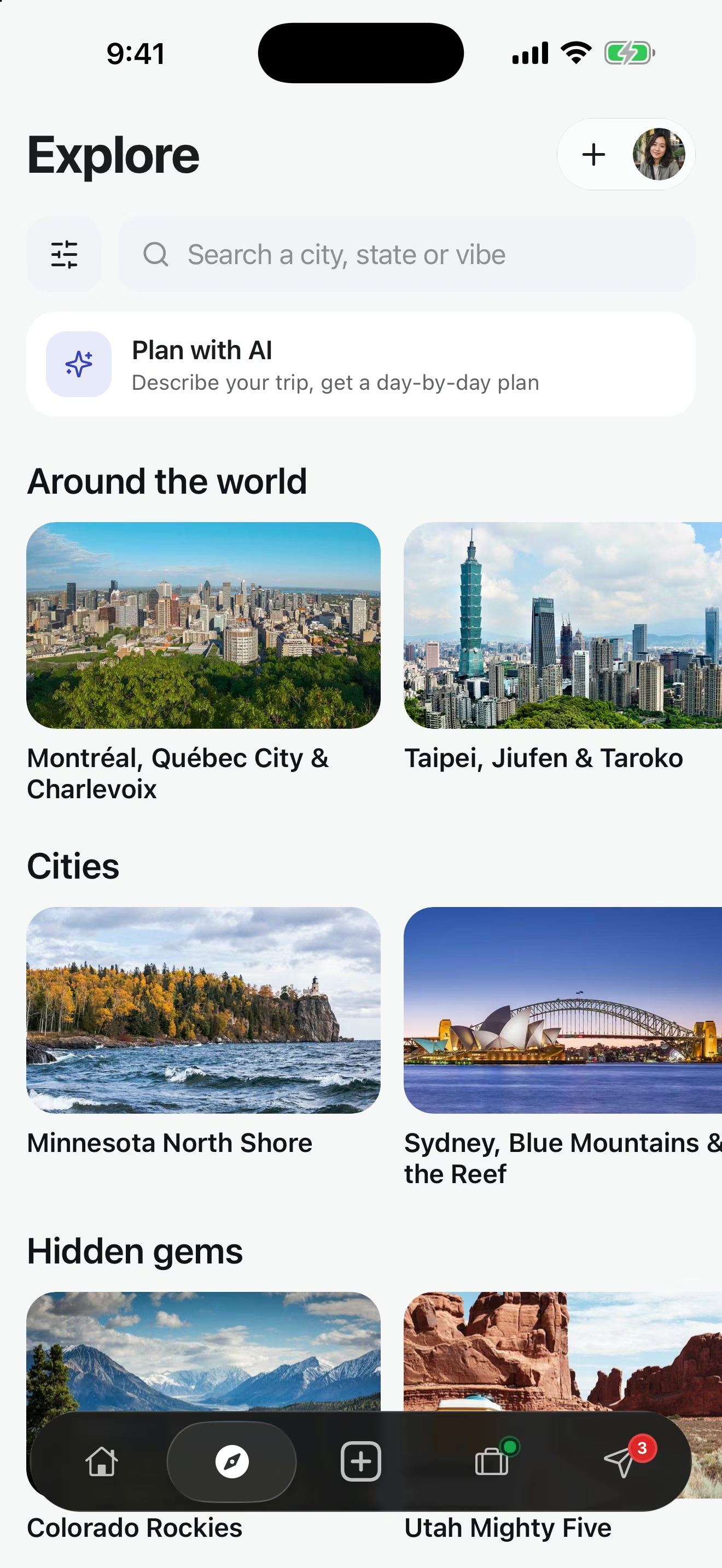
Explore has 182 curated routes, 17 of them built around driving, from the Pacific Coast Highway to Iceland’s Ring Road. Each one lists a suggested length, the order of stops, notable places and the best season.
Open a route on your phone and it becomes an editable trip. Swap a stop, add a night, then invite the people riding along.
Day by day
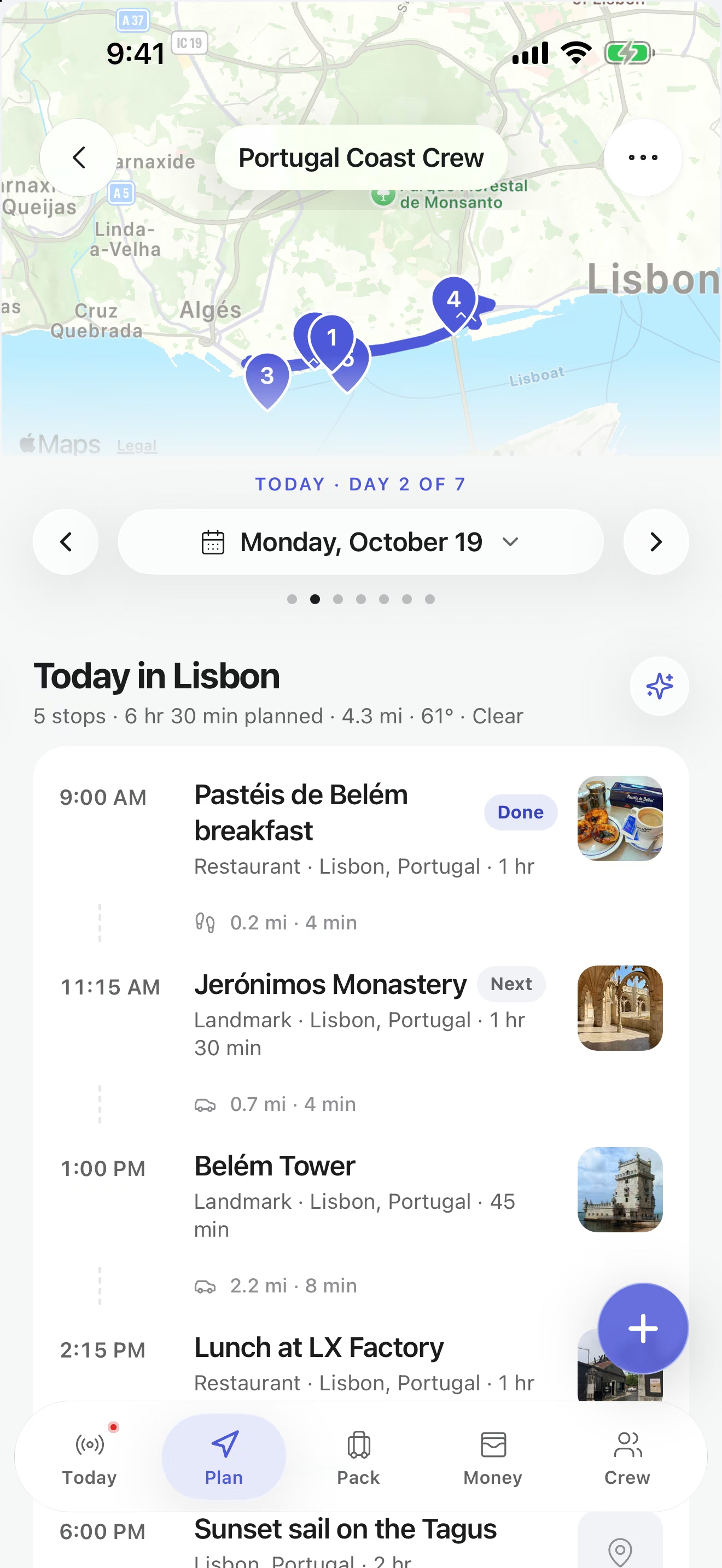
Stops in order, on the right day
Add each stop to the day you will reach it and reorder as the plan changes. Open a stop to add the time, the address, notes, the reservation number or how you are getting there.
When a stop has an address, TripsCircle opens directions in your maps app. Turn-by-turn navigation stays with the app you already drive with.
Split the costs
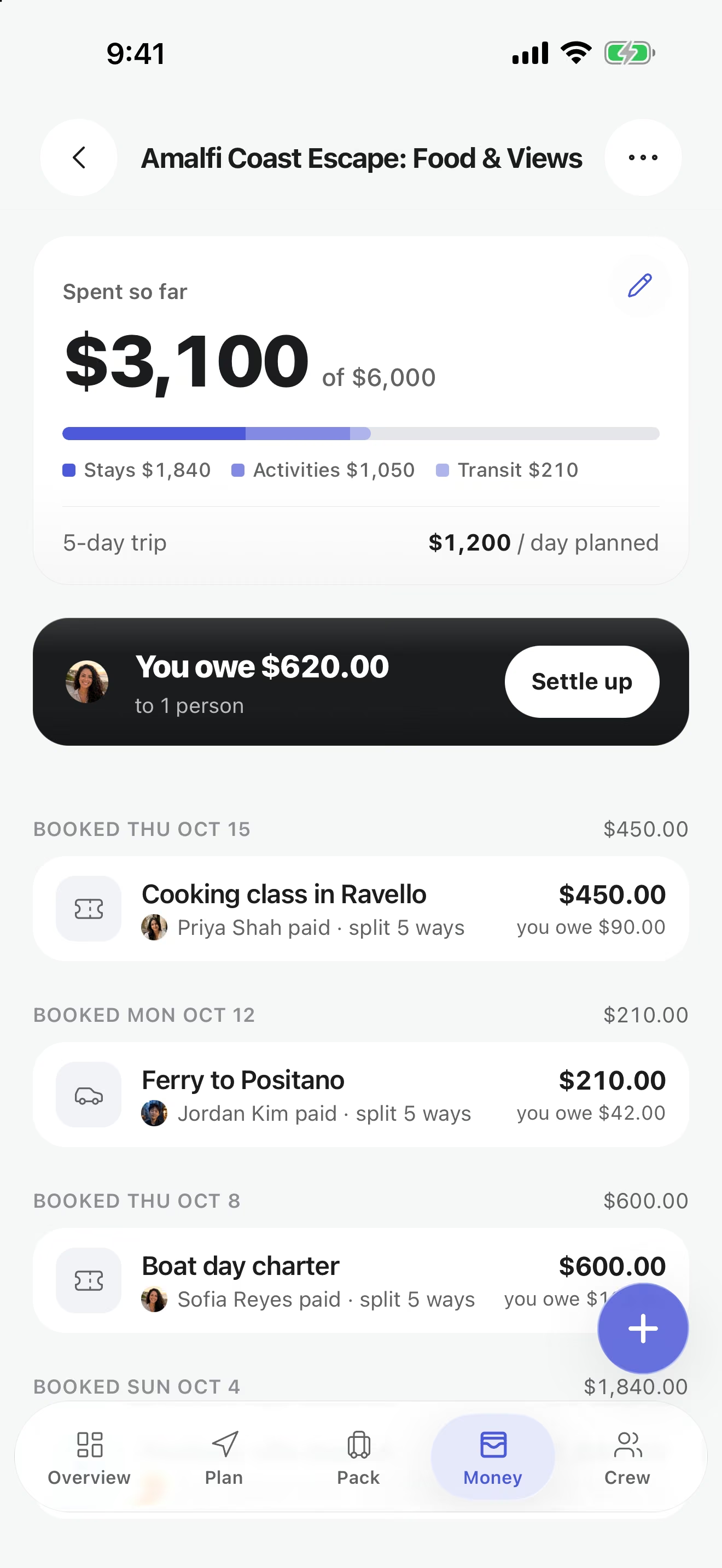
Gas, groceries and rooms, divided fairly
Whoever fills the tank logs it, picks who shares it and moves on. Custom shares cover the night two people had their own room, and personal expenses stay out of the group balance. At the end, Settle up suggests a short list of payments.
Pack the car
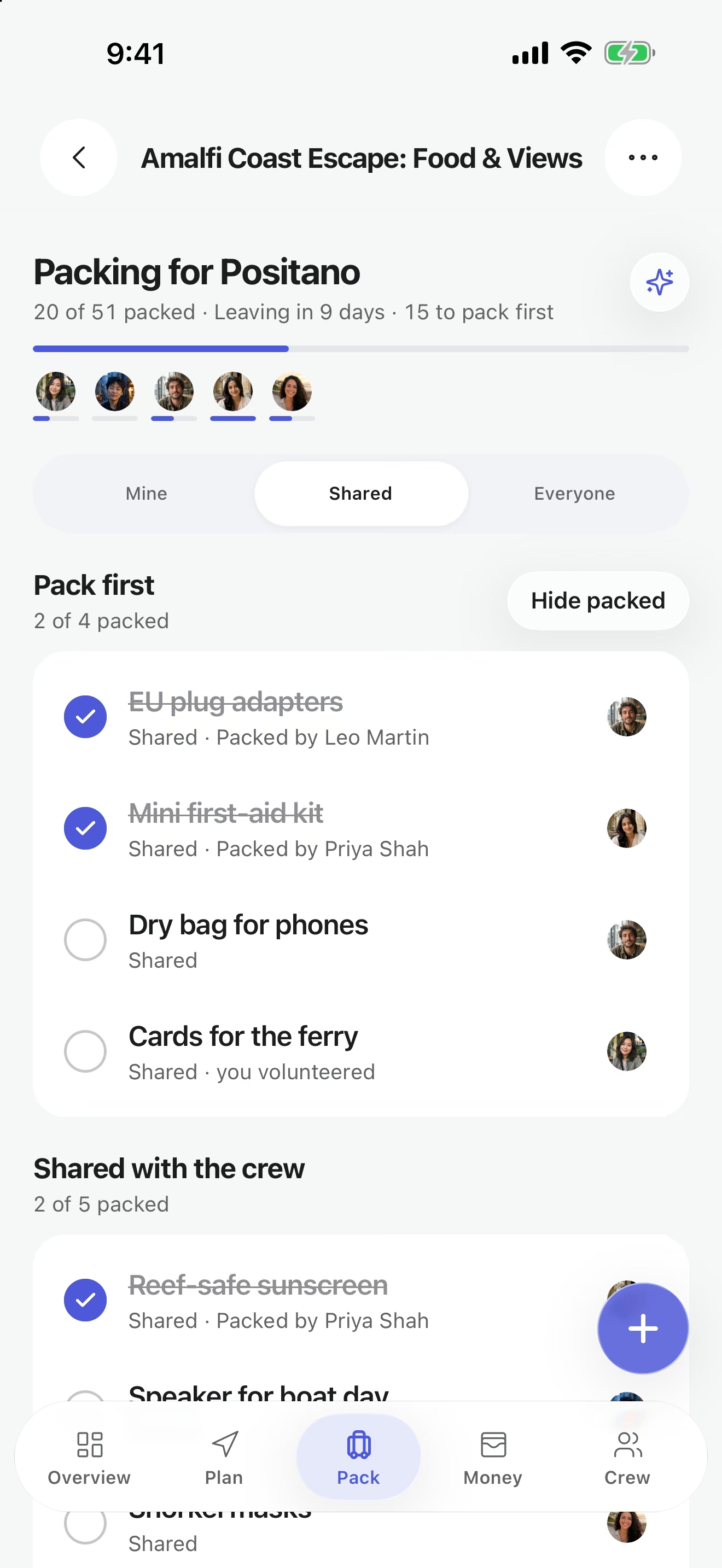
One cooler, not three
Shared packing items show who is bringing them, so the car gets one cooler, one set of jumper cables and one phone mount. Optional trip alerts can flag weather, safety and flight updates while you are on the road.
On the road
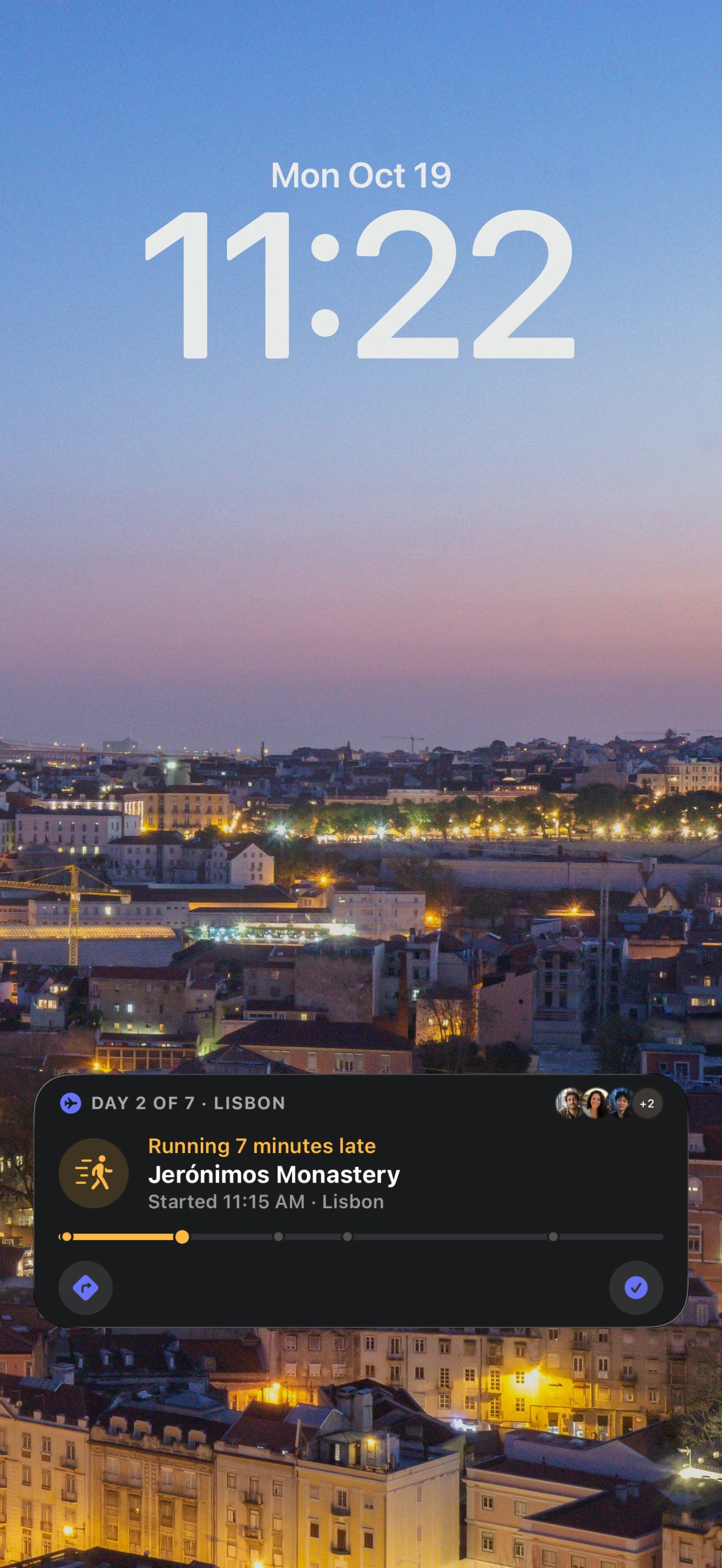
Running late? The crew already knows
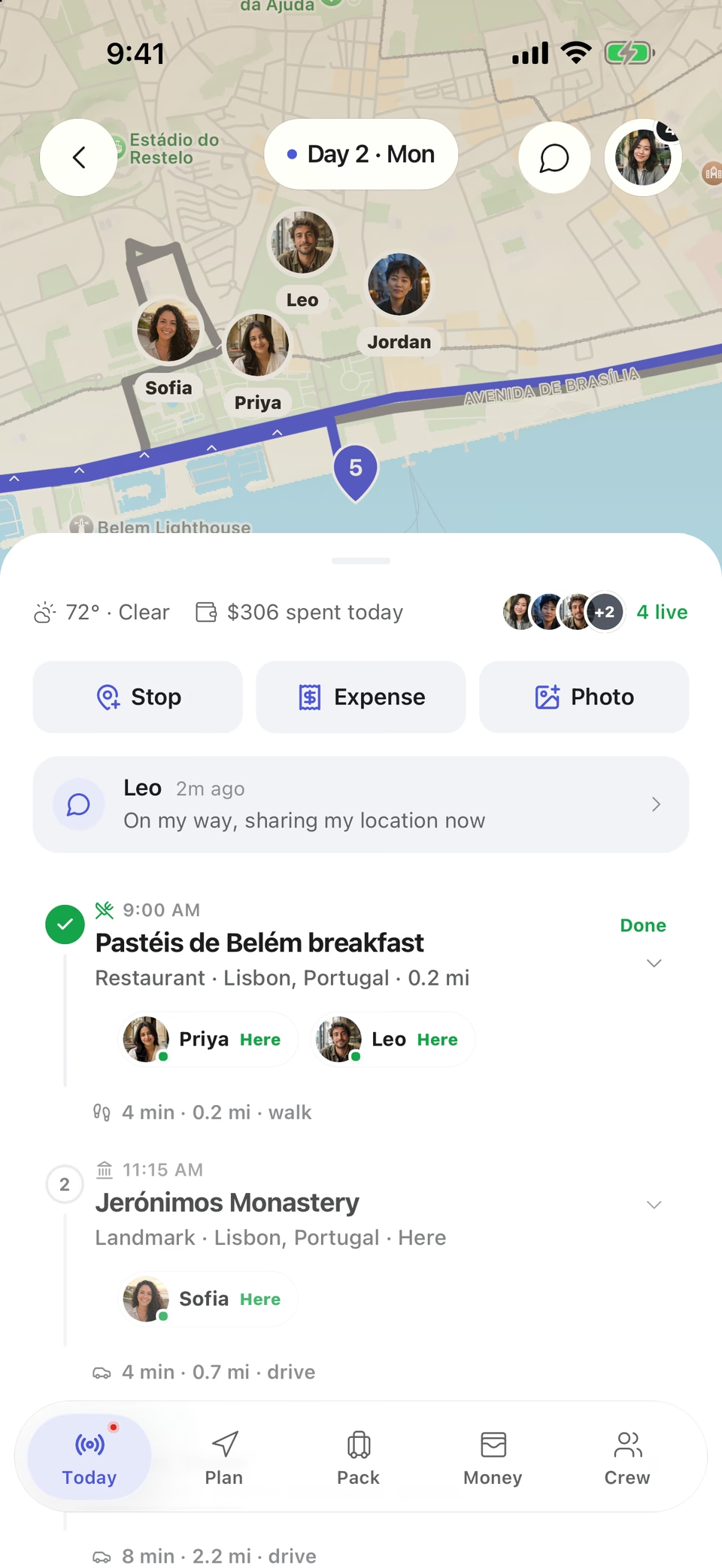
On iPhone, a Live Activity keeps the day and the next stop on the Lock Screen, including when you are running behind. Friends who share their location appear on the trip’s live map, so the second car is easy to find.
Curated road trip routes
Every route below opens as a full itinerary with stops and places. 17 drive-friendly routes, sorted A to Z.
 Scenic drives
Asheville, Blowing Rock & Boone
Biltmore at Christmas, then snowy High Country
 Beaches
Bali Island Loop
Rice terraces, temples & clifftop beaches
 Nature
Banff & Jasper Loop
Canadian Rockies icefields
 Scenic drives
Bavaria & the Romantic Road
Beer halls, Alpine castles, walled towns
 Scenic drives
Blue Ridge Parkway Slow Drive
Mountain overlooks, music & small-town stops
 Scenic drives
Cape Town, Winelands & Garden Route
Table Mountain, wine estates and coastal forest
 Adventure
Dolomites High Road
Jagged peaks, alpine lakes & rifugio lunches
 Scenic drives
Dublin to the Wild Atlantic Way
Pubs, bogland, sea cliffs and trad music
 Scenic drives
Great Ocean Road
Surf beaches, rainforest & the Twelve Apostles
 Scenic drives
Hokkaido: Sapporo, Otaru & Furano
Ramen, canals and flower fields up north
 Scenic drives
Iceland Ring Road
Waterfalls, black sand & glacier lagoons
 Cities
Indiana & Ohio City-Nature Loop
Design districts, dunes & Great Lakes culture
The longest legs on these drives
Each leg between two destinations has its own page. Distances are straight-line estimates between the two destinations; the road is longer, so check your maps app for drive times.
- Shenandoah to Ashevilleabout 280 mi straight-line
- Indiana Dunes to Clevelandabout 280 mi straight-line
- Stellenbosch & Franschhoek to Knysna & Plettenberg Bayabout 240 mi straight-line
- Indianapolis to Indiana Dunesabout 140 mi straight-line
- Lake Louise to Jasperabout 130 mi straight-line
- Füssen to Rothenburg ob der Tauberabout 130 mi straight-line
- San Simeon to Santa Barbaraabout 120 mi straight-line
- Dublin to Galwayabout 120 mi straight-line
- Jökulsárlón to Mývatnabout 110 mi straight-line
- Reykjavík to Víkabout 100 mi straight-line
- Tulsa to Oklahoma Cityabout 100 mi straight-line
- Vík to Jökulsárlónabout 100 mi straight-line
How to plan a road trip in TripsCircle
Pick a route or start blank
Open a curated drive from Explore, or tap Create and enter where you are going and when.
Invite the passengers
Send an invite link to everyone in the car. They see the trip and the first stops before they join.
Put stops on days
Add each stop to the right day, reorder freely, and attach addresses and reservations.
Agree on detours
Run a quick poll when the group is split between two side trips.
Pack and budget
Claim shared items, set a budget and log costs as they happen.
Drive
Follow the day in Today, open directions per stop, and settle up when you are home.
Road trip features
Shared itineraryFree
Stops on the right day with times, addresses, notes, reservation details and transportation. Reorder as plans move.
Curated routes
182 hand-built routes with a suggested length, stop order and best season, ready to open as an editable trip.
Expense splittingFree
Log who paid and who shares each cost: equal, custom or personal. Settle up suggests a small set of payments.
Packing listsFree
Personal and shared lists with owners, progress and templates, so the group brings one speaker, not four.
Polls
Settle dates, dinners and detours with a vote. A public poll link lets people vote from a browser without an account.
Live trip day
A Today view with the next stop, plus a live map of the crew for friends who choose to share their location.
Live Activities
The current day, the next stop and who has arrived, right on the iPhone Lock Screen.
Trip alerts
Optional weather, safety and flight updates for each trip, on top of the push and email settings you pick.
Advanced route toolsPremium
Extra route planning tools for longer, more complicated trips.
Trip CopilotPremium
Describe the trip and get a day-by-day draft, a replanned day or packing ideas. Drafts are yours to check and edit.
Free and Premium labels follow the pricing page. Premium is $4.99 per month or $39 per year in the U.S., with a 7-day free trial for new subscribers.
Road trip regions
Region guides gather the destinations, places and routes in one state, province or country.
More ways to plan with TripsCircle
Road trip planning questions
Can I plan a road trip with several stops?
Yes. Add as many stops as you need, place each one on the day you will reach it, and reorder them as the plan changes. Each stop can hold a time, an address, notes, reservation details and transportation.
Does TripsCircle give turn-by-turn directions?
No. When a stop has an address, TripsCircle opens directions in your maps app, which handles the navigation. TripsCircle keeps the plan, the people and the costs.
Can we split gas and hotel costs?
Yes. Log each expense with who paid and who shares it, using equal, custom or personal splits. Settle up suggests a small set of payments, and the money moves outside TripsCircle.
Are there ready-made road trip routes?
Yes. Explore has 17 drive-friendly curated routes between 5 and 11 days long, each with a stop order, notable places and a best season. Open one in the app to get an editable copy.
How far apart are the stops?
Our travel leg pages show straight-line distance estimates between destinations. Real driving distance and time depend on the road, so check your maps app before you commit to a day.
Is the road trip planner free?
Planning the itinerary, splitting costs and packing are free for crews of up to 10. Premium ($4.99 per month or $39 per year in the U.S., 7-day free trial for new subscribers) adds advanced route tools and Trip Copilot.
Can people follow our trip without the app?
Yes. Publish a read-only trip page with the cover, dates, route and highlights. It opens in any browser, leaves out private notes, expenses and exact live locations, and you can revoke it.
Drive routes
- Northern New Mexico High Desert 5 days
- Oklahoma Route 66 6 days
- Outer Banks Beach Road 6 days
- Pacific Coast Highway 6 days
- Sri Lanka: Rock Forts to the South Coast 11 days
Road trip legs
Popular destinations
Get the whole car on one plan
Download TripsCircle, open a curated drive or start your own, and invite everyone riding along.